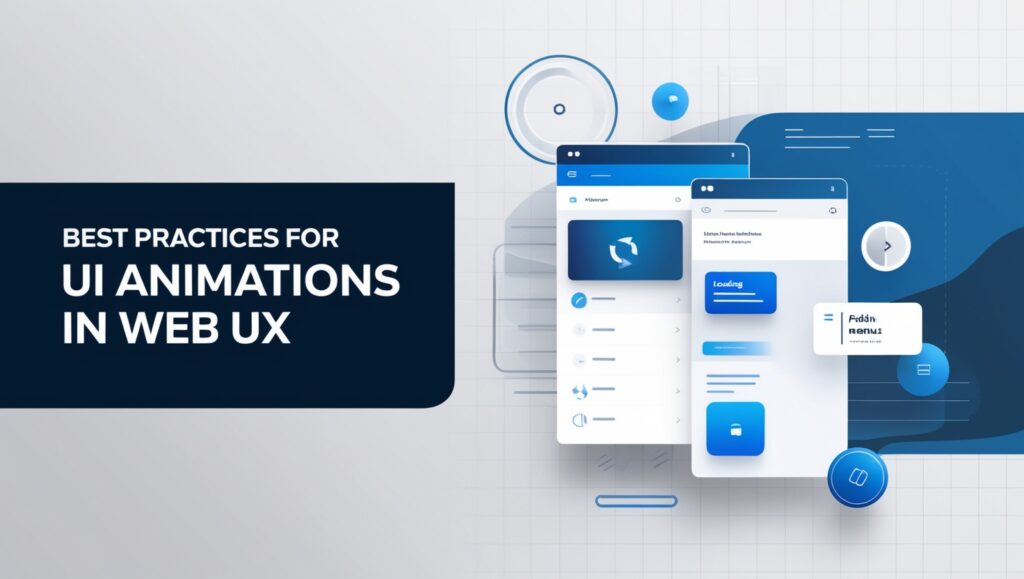
Best Practices for UI Animations help create smooth, engaging, and user-friendly web experiences by improving interactions, transitions, and visual feedback across interfaces. UI Animations can greatly enhance the user experience by making interactions smooth and intuitive. Using animations like hover effects, scroll transitions, and ease-in/ease-out techniques reduces cognitive load and clarifies element relationships. Motion design, with effects like squash and stretch, brings interfaces to life and guides users seamlessly. Effective UI animations, a core part of material design, ensure transitions are clear and engaging. Following Best Practices for UI Animations elevates the interface, creating a product that’s both functional and delightful. Platforms like Dribbble showcase inspiring animation ideas for UI designers.
Best Practices for UI Animations in Modern Web Design
UI Animation includes using smooth transitions (ease-in/ease-out), minimizing cognitive load, and providing clear visual feedback. These practices make interfaces intuitive, guide users seamlessly, and enhance engagement. Animation is important because it clarifies interactions, strengthens usability, and brings interfaces to life, creating a more enjoyable user experience.
Understanding the Role of UI Animation in User Experience
- Enhances Depth and Engagement: UI animation helps users visualize interactions effectively.
- Decorative Animation: Seamlessly indicates changes, improving user experience.
- Motion for Connection: Creates a sense of connection with the interface through smooth motion.
- Natural Flow: Ensures animations feel intuitive, adding a lifelike quality to the website.
- Prototyping: Enables high-fidelity prototypes, allowing testing and quick iteration without extensive coding.
How UI Animation Enhances User Interaction
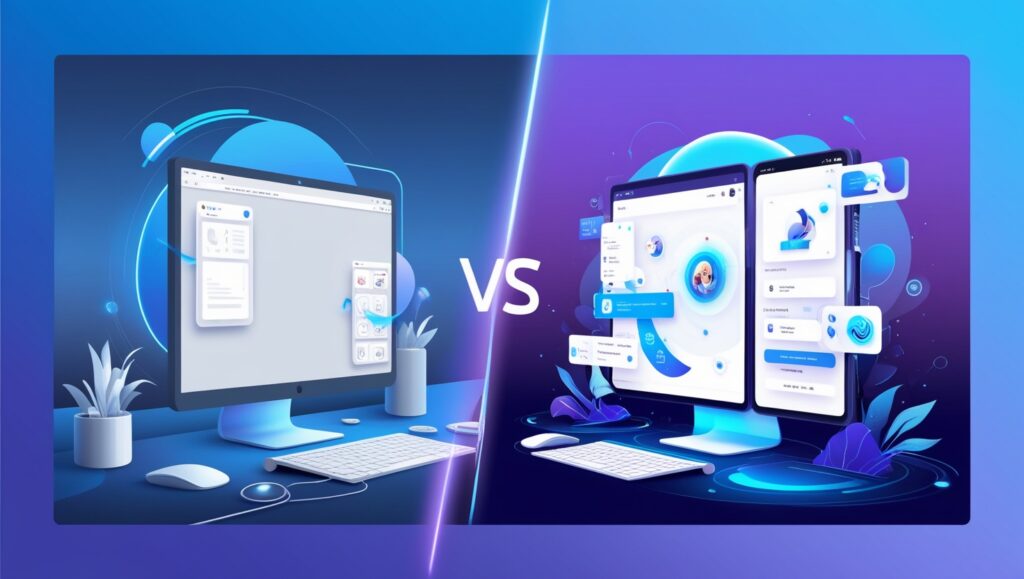
Animate elements in user interfaces create a dynamic experience, capturing attention and guiding users through tasks. By incorporating smooth transitions, feedback, and visual cues, UI animations enhance interaction, making it more intuitive and enjoyable. This not only improves usability but also fosters a deeper emotional connection with the application.
What are the Different Types of UI Animations?
| Type of UI Animation | Description |
|---|---|
| Loading Animations | Provides visual feedback during content retrieval, enhancing user patience. |
| Transition Animations | Smooths movement between screens, creating a seamless experience. |
| Micro-Interactions | Engages users with subtle effects during actions like clicks or hovers. |
| Feedback Animations | Confirms user actions, reinforcing interactions with positive feedback. |
Exploring Loading Animations and Their Impact
Loading animations play a crucial role in enhancing user experience by providing visual feedback during content retrieval. They help manage user expectations, reducing frustration when waiting for data to load.
Moreover, well-designed loading animations can reinforce brand identity and create a more engaging interface, making the waiting time feel shorter.
What is Functional Animation and How is it Used?
Functional Animation enhances user experience by guiding interactions, visualizing changes (e.g., button presses, loading), providing feedback, and drawing attention to key elements, improving overall usability in web and mobile applications.
What are the Best Practices for Creating UI Animations?
To create effective UI animations, prioritize consistency across your design. This ensures users can easily understand interactions.
Additionally, use subtlety in animations to avoid overwhelming users; they should enhance, not distract.
Finally, consider timing and easing functions to create smooth transitions that feel natural and responsive.
Key Principles of Animation to Follow
| Key Principle | Description |
|---|---|
| Timing | Determines the speed and rhythm of movement, making actions feel more realistic. |
| Exaggeration | Enhances emotional impact and visual appeal by emphasizing movements. |
| Anticipation | Prepares the audience for an action, creating a more engaging experience. |
| Follow-Through | Adds realism by allowing characters and objects to continue moving after the main action. |
In Conclusion
Incorporating the Best Practices for UI Animations can greatly elevate user experience, making interfaces more intuitive, engaging, and enjoyable. By using smooth transitions, subtle effects, and clear visual feedback, animations enhance usability and foster a deeper connection with users. When done right, UI animations guide users seamlessly through tasks, improving interaction flow and emotional engagement. Remember to focus on consistency, timing, and subtlety to ensure animations support the overall design without overwhelming the user. By following these best practices, you’ll create a more functional and delightful web experience.